System health and Discord commands
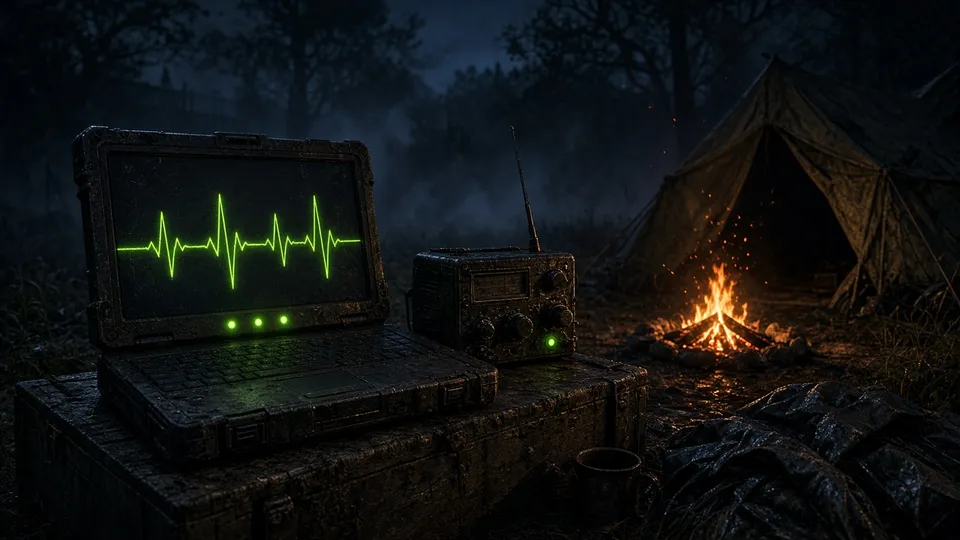
If something goes down, it alerts you and restarts it. And you can manage the bot without SSH.
- Email alerts if a service stops its heartbeat
- Automatic restart with cooldown
- Slash commands to send orders, reload and restart
What it is
The bot looks after itself. It monitors its own services, tries to restart them and emails you if the problem persists. From Discord, with slash commands, you can send orders to the server, reload configurations or restart without touching a terminal.
How it works
- 1
It watches the heartbeats
Every bot service reports that it is alive. If it stops doing so, the alert fires.
- 2
It tries to recover
The system restarts the fallen service and waits before notifying you, so a blip does not bother you.
- 3
You decide from Discord
With slash commands you can send commands to the server, reload the configuration or restart the bot.
For the admin
- Find out before the players do
- Operate the bot from your phone
For the player
- A server that almost never runs without its bot
Want this feature on your server?
Contact usMore from Discord
 Discord
Discord ↔ Steam registration
Links every player to their Discord account and assigns roles automatically.
- Link with a single command from the game
- Automatic Discord roles
- Foundation for private alerts, protection and UAV by DM
 Discord
Login intelligence
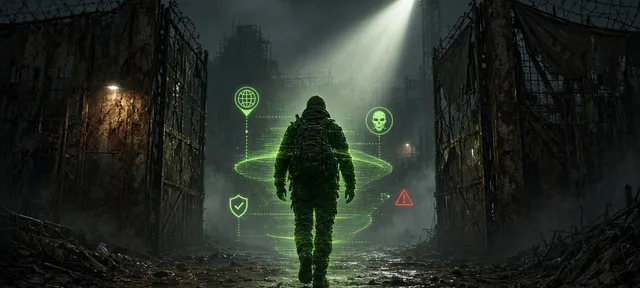
Every connection reaches Discord with context: IP, VPN, Steam bans, first time.
- Login and logout embeds with enriched data
- VPN and proxy detection
- Steam ban history
 Discord
Discord leaderboards and monitors
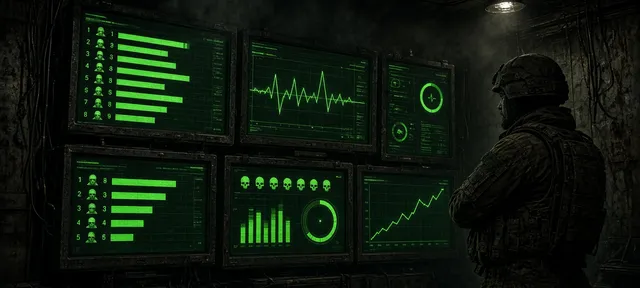
Rankings, server status, kills, lockpicks and alerts, always up to date.
- Fifteen different leaderboards with images
- Server status, active bunkers and stats channels
- Monitors for lockpicking, chests, explosives, building and suspicious economy