All features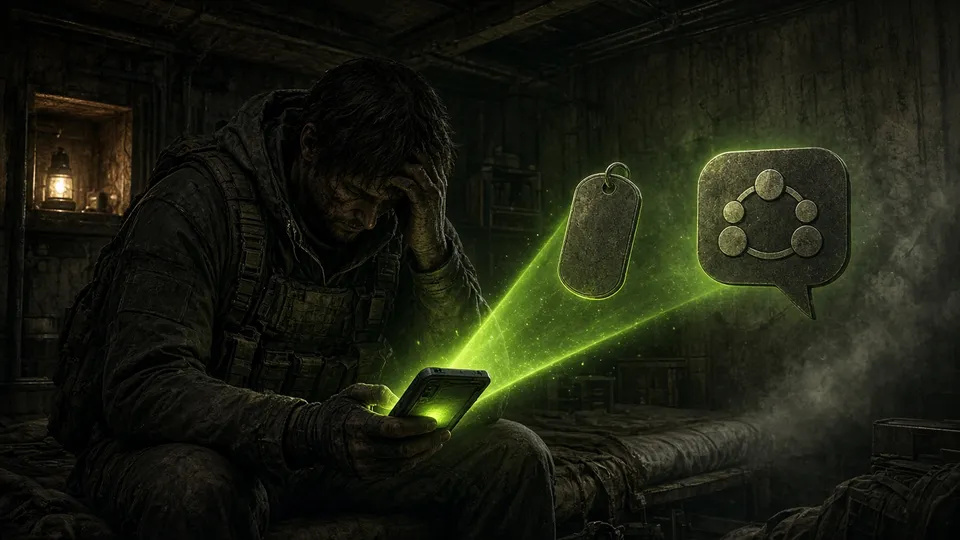
Discord
Discord ↔ Steam registration
Links every player to their Discord account and assigns roles automatically.
- Link with a single command from the game
- Automatic Discord roles
- Foundation for private alerts, protection and UAV by DM
What it is
Registration connects the server player with their Discord user. The bot’s personal services rest on that link: private alerts, protection, UAV by DM, driver roles. One command and done.
How it works
- 1
The player asks for their ID in Discord
A Discord bot command gives them their identifier.
- 2
They confirm it in the game
They type @register with that ID. The bot matches both sides and confirms.
- 3
Everything is connected
They get their role and unlock private messages: theft alerts, UAV, protection.
In-game commands
@register <id>Link your Discord account
For the admin
- A verified community, fewer ghost accounts
- Roles and permissions with no manual work
For the player
- One step to unlock the private services
Want this feature on your server?
Contact usMore from Discord
 Discord
Login intelligence
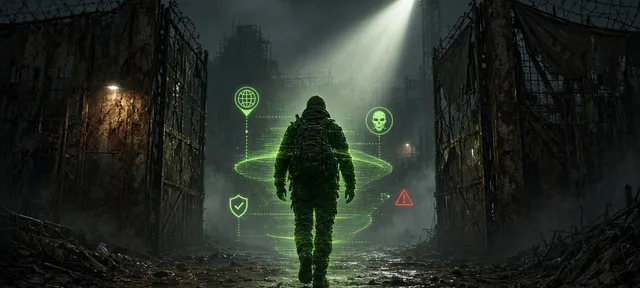
Every connection reaches Discord with context: IP, VPN, Steam bans, first time.
- Login and logout embeds with enriched data
- VPN and proxy detection
- Steam ban history
 Discord
Discord leaderboards and monitors
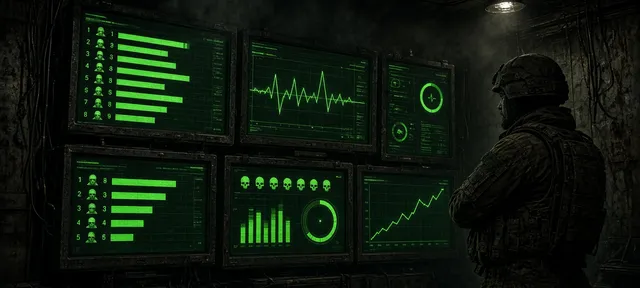
Rankings, server status, kills, lockpicks and alerts, always up to date.
- Fifteen different leaderboards with images
- Server status, active bunkers and stats channels
- Monitors for lockpicking, chests, explosives, building and suspicious economy
 Discord
System health and Discord commands
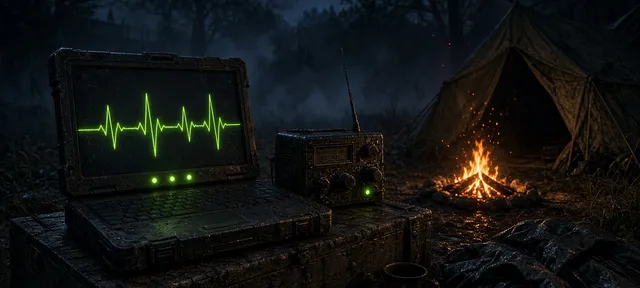
If something goes down, it alerts you and restarts it. And you can manage the bot without SSH.
- Email alerts if a service stops its heartbeat
- Automatic restart with cooldown
- Slash commands to send orders, reload and restart